
Strictly necessary
Supports security, server sessions, form protection, administrator sign-in, and remembering your privacy choice.
Use this glossary for concise definitions of crawler roles, robots.txt directives, and newer AI-content control terms. Each entry explains what the term means, what it does not mean, and where it fits in a practical website policy.
Many robots.txt mistakes begin with category confusion. A crawler can support ordinary search, AI search, model development, a user-requested fetch, an open dataset, or an SEO tool. Likewise, a robots.txt directive can control crawling without removing a URL from an index or securing the underlying content.
Start with robots.txt and User-Agent, then review Disallow and Allow. These entries explain how groups target crawler tokens and how path-specific rules are interpreted. The Sitemap directive covers discovery of XML sitemaps, while Crawl-delay explains a non-standard extension that is not supported uniformly.
The AI crawler entry introduces the umbrella term. Use the separate definitions for AI training crawler and AI search crawler when deciding whether training preferences and search visibility should differ. Provider-specific user-triggered agents may form another category because they fetch after a person asks for a page rather than crawling automatically.
The Content Signal entry explains emerging mechanisms intended to communicate preferences about downstream content use. Such signals should not be confused with authentication, copyright licensing, or a guaranteed technical block.
After reading a term, open the linked guide or crawler page for examples and consequences. Use the generator to assemble a policy and the checker to test the live file. Definitions describe the mechanism; only the complete published robots.txt and the target crawler’s behavior determine the practical result.
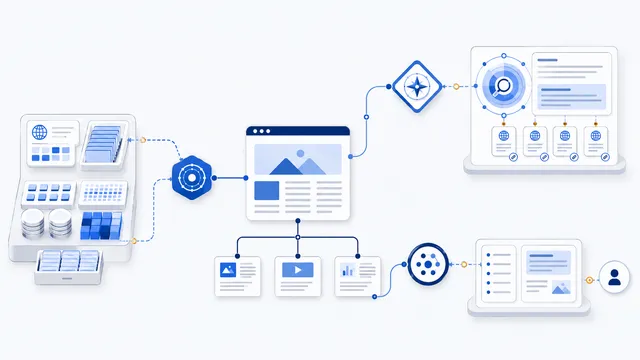
An AI crawler is a web agent used by an AI provider to collect, discover, index, or retrieve online content. The label is broad: training crawlers, AI search crawlers, and user-requested fetchers can have different purposes and separate robots.txt tokens.
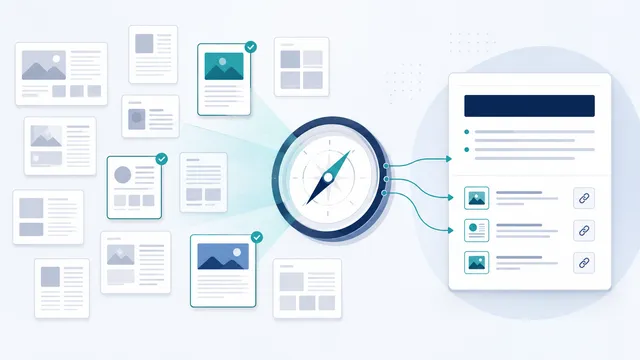
An AI search crawler discovers and analyzes public web pages for search results, grounded answers, snippets, citations, or source links. Allowing it can support visibility in that AI search product; blocking it may reduce discovery, but neither choice guarantees inclusion or exclusion from every AI surface.
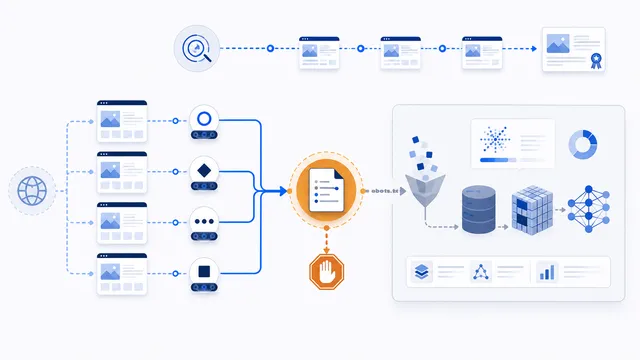
An AI training crawler collects public web content that may contribute to model development, improvement, evaluation, or safety work. A crawler-specific Disallow rule can signal that future collection is not permitted, but it does not erase previously acquired data or secure private content.
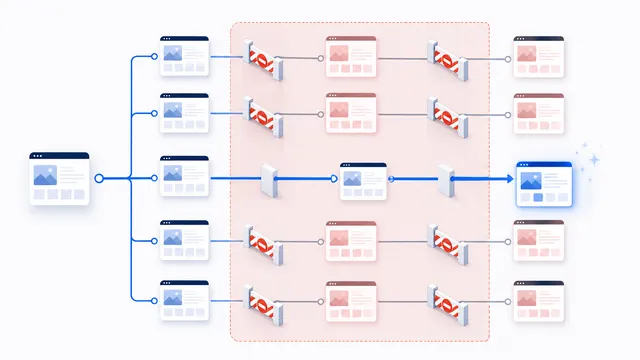
Allow explicitly permits the matching crawler to request a path. It is most useful as a narrow exception inside a broader Disallow rule. The longest matching path wins; if equally specific Allow and Disallow rules conflict, Allow is preferred.
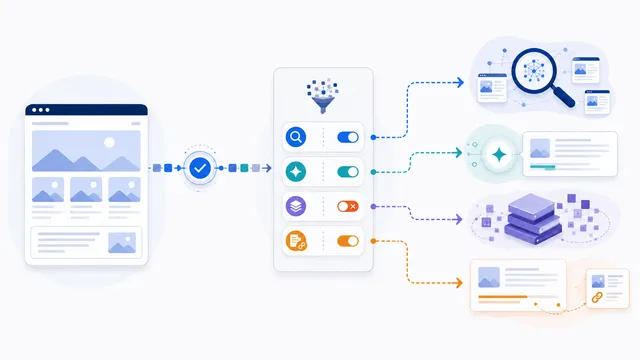
Content-Signal is a non-standard robots.txt directive for expressing how accessed content may be used, including search indexing, real-time AI input, model training, and newer reuse levels. It states a preference or rights reservation; it does not itself block requests or guarantee that every crawler will comply.
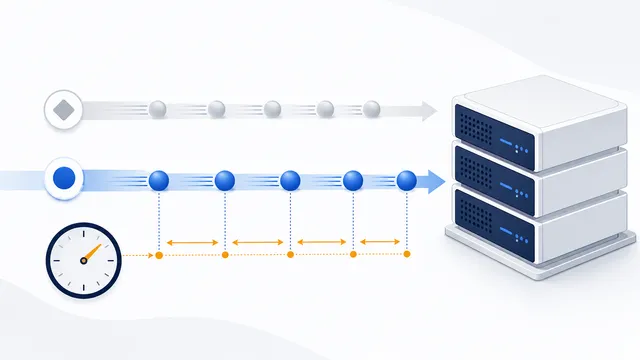
Crawl-delay asks a crawler to wait between requests, but it is a non-standard robots.txt extension and support varies by crawler. Use it only for a documented user-agent and only when server logs show that crawl rate is a real problem.
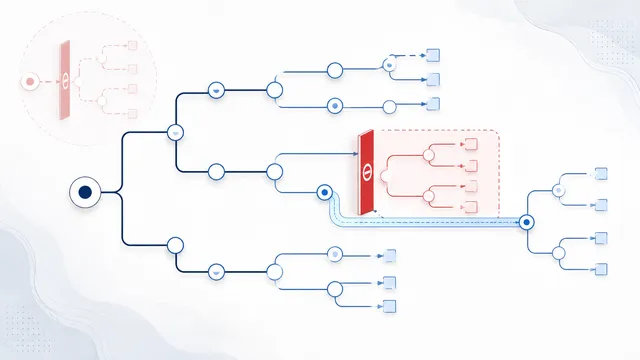
Disallow tells the matching crawler not to request URL paths beginning with the specified pattern. Disallow: / blocks the entire host for that group, while an empty Disallow: rule is ignored. When rules conflict, the most specific matching path wins.
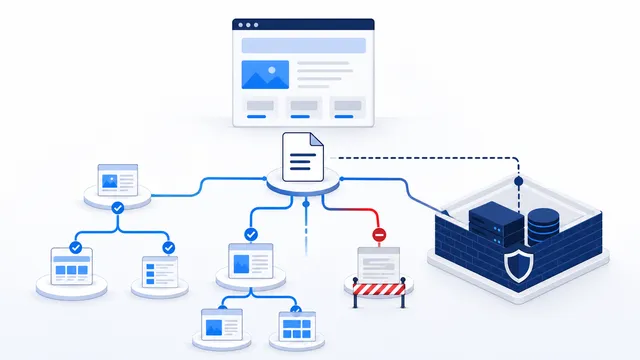
Robots.txt is a UTF-8 plain-text file served at the top-level /robots.txt path of a host. It groups crawler product tokens under User-agent lines and uses Allow and Disallow rules to request which URL paths compliant crawlers may access.
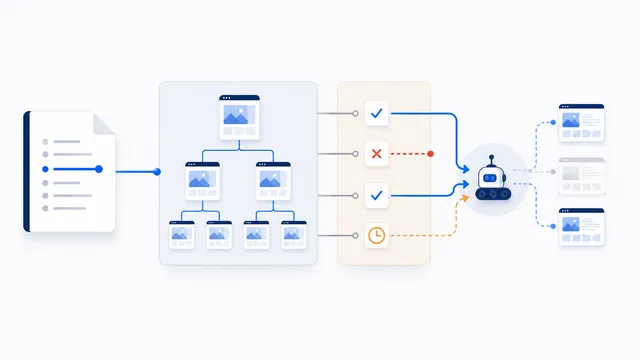
The Sitemap directive points crawlers to an XML sitemap from your robots.txt file. It helps discovery, but it does not allow blocked URLs, override Disallow rules, guarantee indexing, or replace sitemap submission tools.
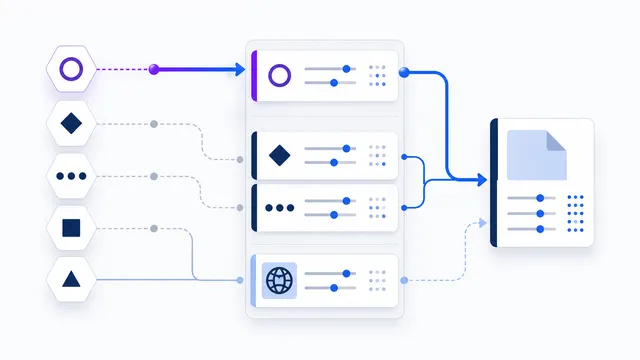
In robots.txt, User-agent identifies the crawler product token whose rules follow. Matching is case-insensitive. A crawler uses its specifically matching group when available, otherwise it falls back to User-agent: *; repeated groups for the same token are combined.
Crawling is requesting and processing a resource. Indexing is storing or using information so it can appear in a search system. Blocking crawl access does not always guarantee removal of a known URL.
No. AI-related agents may support model development, search discovery, or a user-initiated request. Use the provider’s documented token and purpose.
No. They are robots.txt crawling directives for compliant automated clients. They do not authenticate visitors or protect private content.
No. It is a non-standard extension supported by some crawlers and ignored by others. Check the target provider’s documentation.
A definition explains a term, while the guides show policy trade-offs and the tools help generate or verify the complete live robots.txt file.