
Strictly necessary
Supports security, server sessions, form protection, administrator sign-in, and remembering your privacy choice.
Choose a template by the outcome you want, not by copying the longest list of bot names. Each template provides a starting file, explains what its rules change, and should be merged with your existing robots.txt before you verify the live result.
The templates in this section cover common decisions: keeping search open while limiting AI training, blocking a particular provider, restricting a broader crawler group, or editing robots.txt safely on WordPress and Shopify. Start with the narrowest template that matches your actual goal.
Copy the relevant groups, replace example domains and paths, and merge them with rules already required by your platform. Do not publish duplicate or contradictory groups without understanding how the target crawler combines and evaluates them. The examples are intentionally readable so the final policy can be explained later to a client, editor, or developer.
Open the live /robots.txt URL, confirm HTTP 200 and plain-text content, then test representative URLs with the robots.txt checker. Recheck the file after plugin changes, platform updates, CDN rules, staging-to-production moves, or domain migrations.
If no existing template matches the policy, use the robots.txt generator to create crawler-specific groups. Robots.txt remains a cooperative crawling instruction; it should never be used as the only protection for private or paid content.
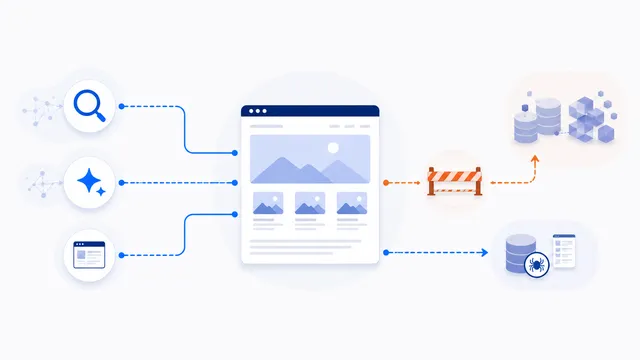
Use separate user-agent groups: block documented training or dataset agents such as GPTBot and ClaudeBot, while allowing ordinary search and dedicated AI-search crawlers.
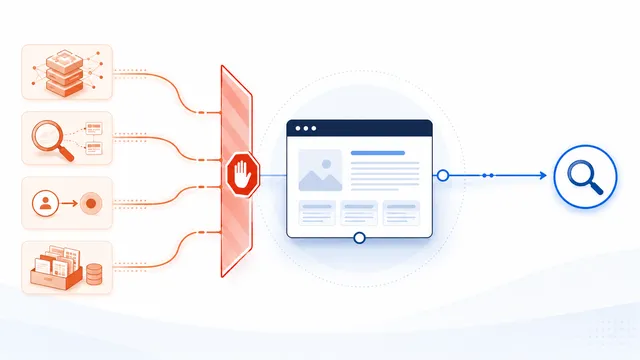
Use explicit groups for known AI-related tokens rather than User-agent: *. This broad template blocks documented training, AI-search, dataset, and user-request agents while leaving ordinary search open.

To block Anthropic’s documented Claude agents, publish separate Disallow groups for ClaudeBot, Claude-SearchBot, and Claude-User. Blocking all three also removes training, Claude search discovery, and user-directed retrieval, so use only the groups that match your policy.

Add a Google-Extended Disallow group to restrict eligible content from Gemini model training and grounding uses. Google-Extended is a control token rather than a separate HTTP crawler, and Google states that blocking it does not affect inclusion or ranking in Google Search.
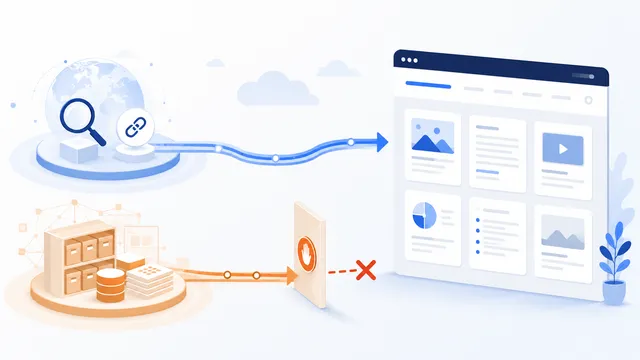
Add a dedicated GPTBot group with Disallow: /. This blocks OpenAI's training-oriented crawler without automatically blocking OAI-SearchBot or ordinary search engines.
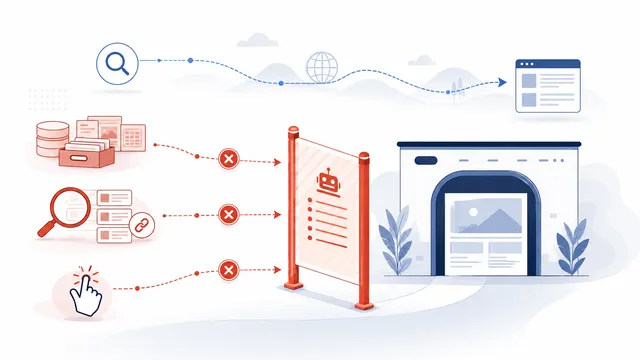
For the broadest OpenAI robots.txt preference, disallow GPTBot, OAI-SearchBot, and ChatGPT-User separately. Expect loss of ChatGPT search visibility and use server controls for user-requested access.
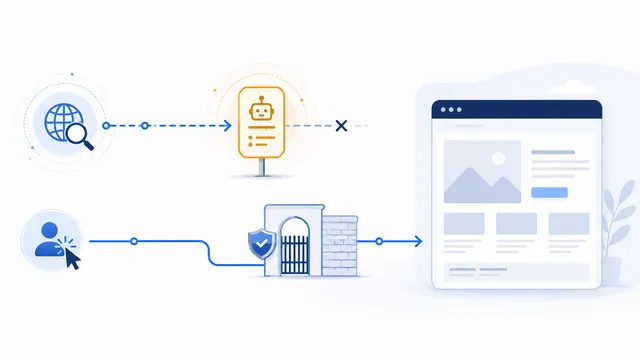
Use a Disallow group for PerplexityBot to opt out of Perplexity’s automated search indexing. You may also publish a Perplexity-User rule, but Perplexity states that this user-triggered fetcher generally ignores robots.txt, so enforce a real block at the server or application layer.
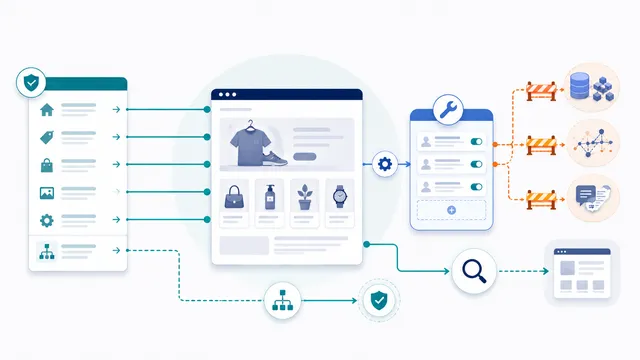
Shopify already generates a default robots.txt file. Create a robots.txt.liquid template only when you need custom rules, keep Shopify’s default groups and sitemap output, then append crawler-specific AI blocks instead of replacing the entire file with a generic static template.
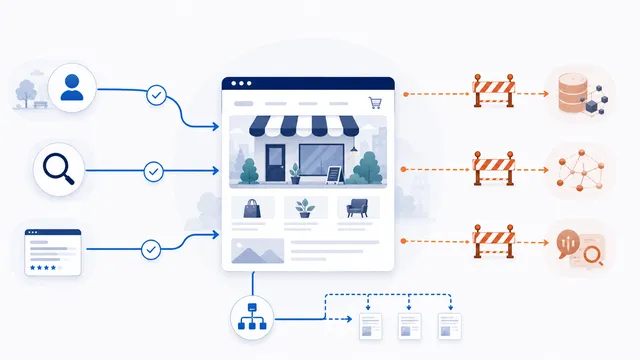
A practical small-business robots.txt file should keep ordinary search discovery open, block only the crawler purposes you have intentionally rejected, and point compliant crawlers to your sitemap. Review every user-agent before publishing because robots.txt is a public policy file, not a security control.
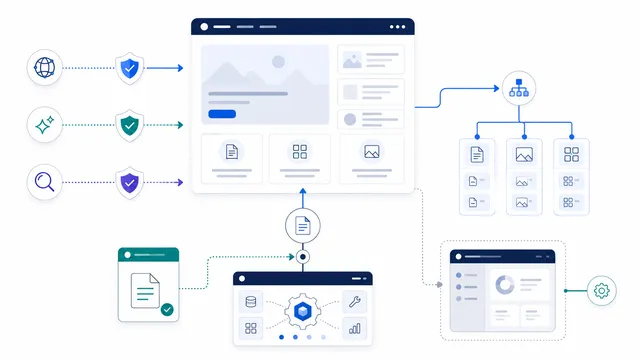
WordPress can serve a virtual robots.txt file even when no physical file exists. Add crawler-specific AI rules without blocking Googlebot, preserve the WordPress admin exception for admin-ajax.php, include the sitemap URL actually generated by your SEO setup, and verify the live root file.
Usually not. Merge the relevant groups with the file your site already serves, preserving platform rules and reviewing conflicts before publishing.
Use a narrow crawler-specific template or the allow-search/block-training template. Avoid a broad User-agent: * block unless removing ordinary search access is intentional.
Providers may publish independent tokens for training, search discovery, and user-triggered requests. Separate groups make the intended policy explicit.
No. Robots.txt is a voluntary protocol. Use authentication, authorization, rate limiting, firewall rules, or application controls when access must be enforced.
Open the public /robots.txt URL first, then follow the platform-specific template instructions for the mechanism that generates that response.