To block an AI crawler, add a group for its exact User-agent token and use Disallow: /. Block only the crawler purposes you intend to restrict, keep ordinary search crawlers open when visibility matters, and remember that robots.txt is a request to compliant bots rather than a security control.
“AI crawler” is not one technical category. A company may operate separate bots for model training, AI search discovery, and retrieval triggered by an individual user. Blocking every bot from the same company can therefore remove more access than you intended.
Before editing robots.txt, identify the exact token and decide what outcome you want. For example, OpenAI documents GPTBot for potential model-training use and OAI-SearchBot for ChatGPT search. Anthropic similarly separates ClaudeBot from Claude-SearchBot. User-request agents such as ChatGPT-User and Claude-User are a third case and should be reviewed separately.
Block one crawler with an exact group
To block a compliant crawler across the whole host, create a dedicated group using its published User-agent token and the root path:
User-agent: GPTBot
Disallow: /
Repeat the pattern for each crawler you want to restrict. Do not replace the specific token with * unless your real intention is to block every compliant crawler, including ordinary search engines. A broad wildcard block can remove valuable search access and make important pages harder to discover.
Keep allowed crawler purposes explicit
When the same provider has multiple crawler purposes, write independent groups. The following policy blocks two training-oriented crawlers while keeping the providers’ search crawlers open:
Specific crawler groups are easier to audit than a mixture of broad wildcard rules and exceptions. They also make your intent clear when a provider adds a new bot or changes one product without changing another.
Protect normal search visibility
Do not block Googlebot, Bingbot, or other search crawlers merely because some search products now use AI features. Search indexing bots, AI-training controls, and product-specific extended tokens are not interchangeable. Review each published token before adding it to a block list.
If you want to allow AI search citations while refusing model-training crawling, use the more specific workflow in Allow AI Search but Block AI Training. The ready-made template provides a starting point that you can adapt to your own policy.
Publish and verify the file
Serve the file at the root of the exact host, such as https://example.com/robots.txt.
Add a separate file for each subdomain whose crawling policy differs.
Open the public URL and confirm that it returns plain text with a successful HTTP response.
Run the file through the robots.txt checker and test representative public and blocked URLs.
Review server logs later to confirm whether the named crawlers changed their behavior.
Understand the limit of robots.txt
Robots.txt is not authentication, copyright enforcement, a paywall, or a guaranteed anti-scraping mechanism. Well-behaved crawlers may honor it; malicious or unidentified clients may ignore it. Protect private or licensed material with server-side authorization, rate limits, bot controls, and contractual measures appropriate to the content.
FAQ
Can one robots.txt rule block every AI crawler?
A wildcard group can request that every compliant crawler stay out, but it also affects ordinary search bots and any other compliant agent. Specific User-agent groups are safer when you want selective control.
Does blocking GPTBot also block OAI-SearchBot?
No. OpenAI documents GPTBot and OAI-SearchBot as independent controls. You can disallow GPTBot for training use while allowing OAI-SearchBot for ChatGPT search discovery.
Will robots.txt stop an AI scraper that ignores the rules?
No. Robots.txt is an advisory protocol. Use authentication, access controls, rate limiting, WAF or bot-management rules when technical enforcement is required.
Should I block ChatGPT-User and Claude-User too?
Only after considering the user experience. Those agents support user-initiated retrieval, so blocking them can prevent an AI assistant from accessing your page when a person explicitly asks for it.
How do I confirm that the block works?
Publish robots.txt at the host root, validate its syntax, test matching URLs, and review server logs over time. A correct file confirms your instruction, while logs show whether the crawler changed behavior.
We use essential storage for security and core features. With your permission, we may also use analytics and advertising technologies. Rejecting optional technologies does not block access to the site.
Non-essential categories are off unless you choose to enable them. You can return to these settings at any time from the footer.
Global Privacy Control is active.Your browser has requested an opt-out from sale, sharing, and targeted advertising. Advertising remains disabled.
Strictly necessary
Supports security, server sessions, form protection, administrator sign-in, and remembering your privacy choice.
Analytics
Allows Google Analytics to measure visits and interactions so the site can be improved. It is not loaded before permission.
Advertising and cross-site measurement
Allows advertising technologies when they are configured. This may involve ad delivery, fraud prevention, measurement, personalization, or cross-context advertising.
Your choice is stored for 180 days using a first-party preference cookie. A material policy change can ask you to choose again.

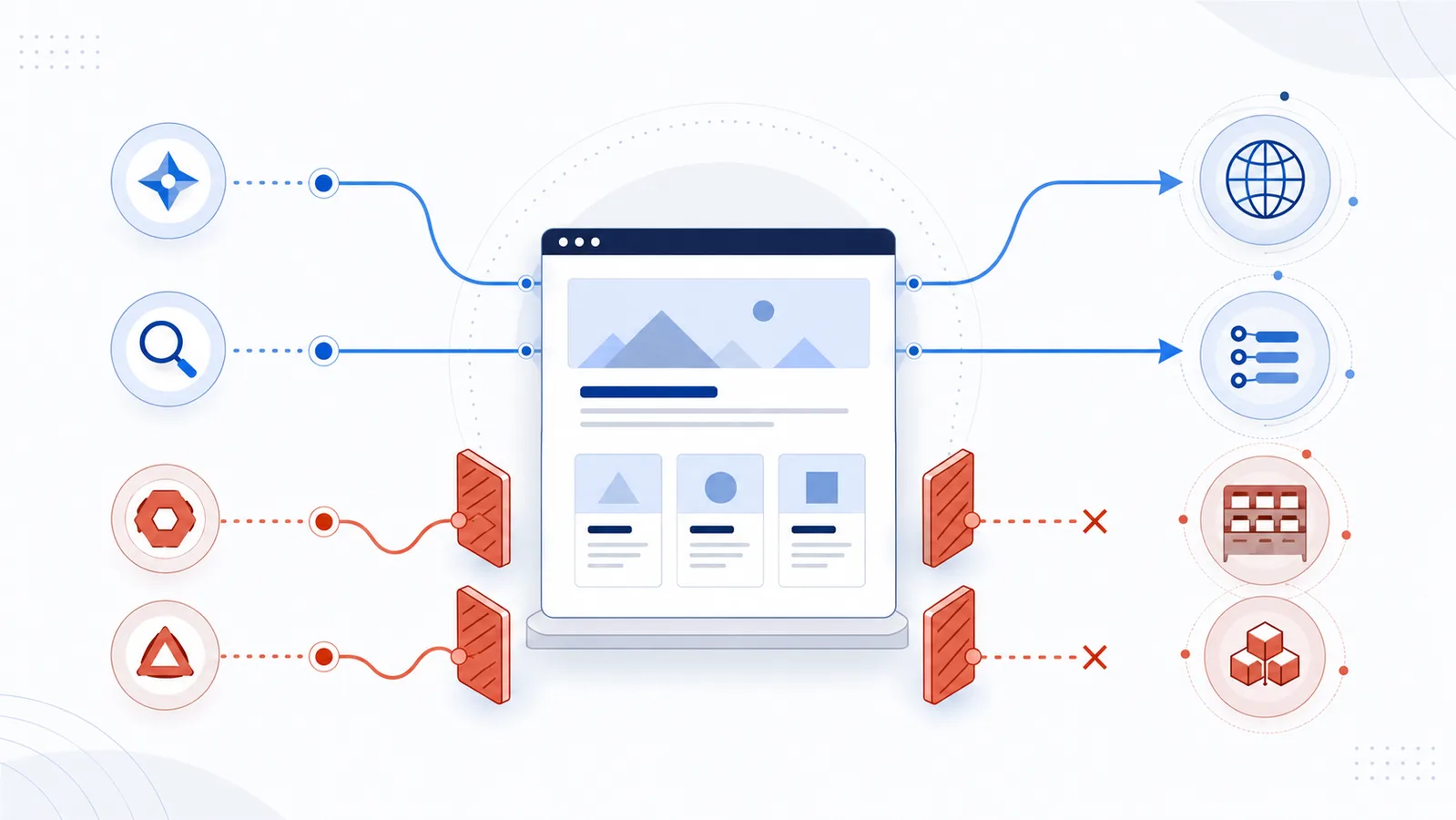
 How to Allow AI Search but Block AI Training
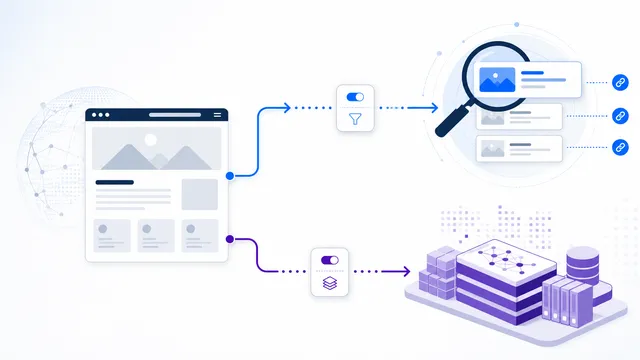 GPTBot vs OAI-SearchBot: Training vs Search
 ClaudeBot vs Claude-SearchBot: Training vs Search
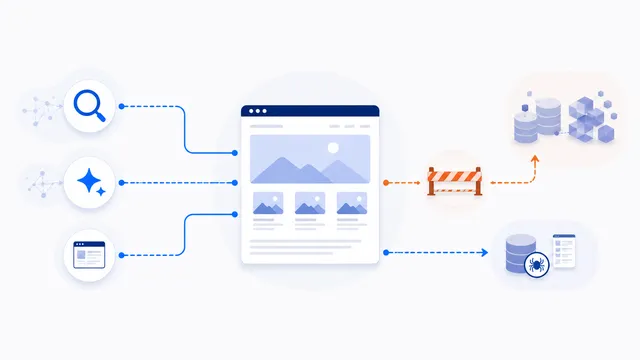 Allow Search, Block AI Training robots.txt Template
 Robots.txt Checker for AI Crawlers